
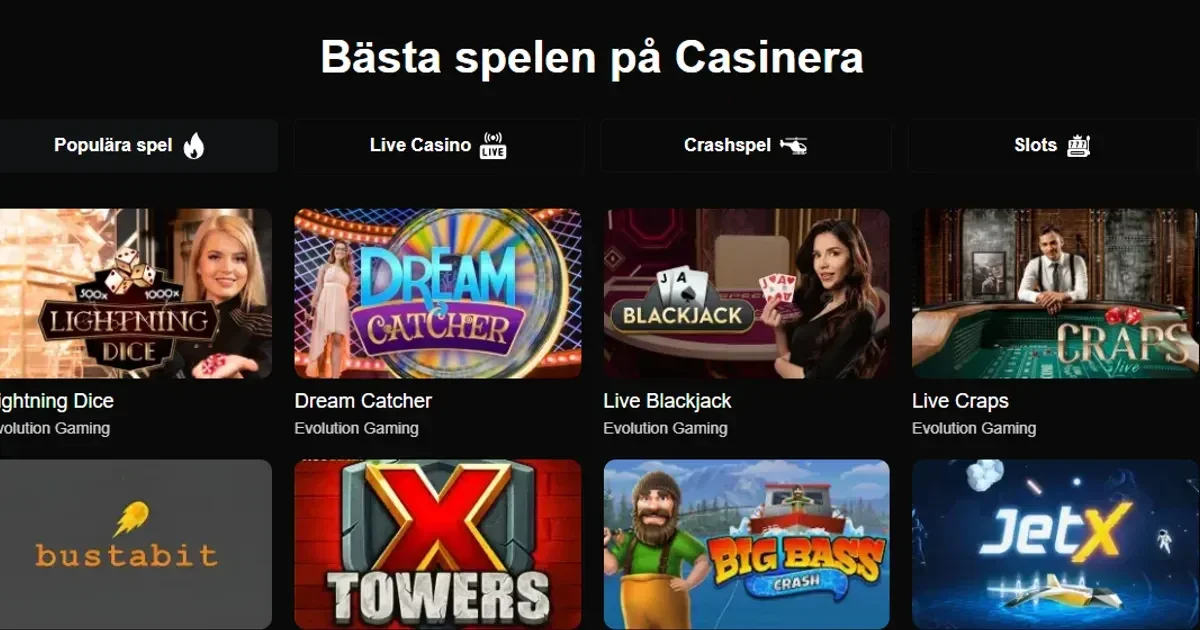
Casinera is accessed on mobile through a browser rather than a downloadable application. There is no evidence of a dedicated app in the operator's published material, so this page covers how the mobile site behaves rather than any install process.
How mobile access works at Casinera
Casinera runs on HTML5 browser technology, which covers 98% of the games catalogue. This means the large majority of the library loads directly in a phone or tablet browser without a separate download. A small number of older, Flash-based titles fall outside that coverage and need a desktop browser instead.
Because there is no store listing involved, there are no version numbers, install sizes or ratings to report. Players reach the site the same way on mobile as on desktop, through a browser address rather than an app icon.
What works on a Casinera mobile browser session
The bulk of the 2,147-title library is playable on mobile, since slots make up 1,650 of those games and slots are the category most fully adapted to HTML5. The live casino section, with its 120 tables, also streams through the browser, though this comes at a data cost: the operator states that live dealer streaming uses around 200MB per hour, against roughly 50MB per hour for slot play.
Account functions carry across to mobile too. Live chat, email support and the cashier are all reachable from a phone browser, and support runs 24/7 with an average live chat response of 45 seconds. Deposits and withdrawals follow the same payment methods and limits as on desktop, in GBP throughout.
Where Casinera mobile play falls short of desktop
Table games are a weaker fit for a small screen. The 85 table variations, spanning blackjack, roulette, baccarat and poker, rely on the same HTML5 delivery but their interfaces are built for a larger layout, so betting panels and side options can feel cramped on a handset. The Flash-dependent titles outside the 98% HTML5 coverage are simply unavailable on mobile at all, with desktop access required instead.
Bonus terms are not specific to mobile: wagering, contribution rates and exclusions on the welcome package apply the same way regardless of device. Full figures sit on Casinera's own promotions pages rather than here.
Practical points before playing on a phone
- Live dealer tables consume noticeably more data than slots, which matters on a mobile connection rather than Wi-Fi.
- New accounts go through a 24-hour cooling-off period before high-stakes play unlocks, whichever device is used to register.
- Session length and spending are easier to lose track of on a phone than at a desk, which is where the operator's reality-check pop-ups are meant to intervene.
Staying in control of Casinera on a shared or personal device
A phone is usually a personal device, but where one is shared with a minor, parental-control software such as Net Nanny or Qustodio adds a layer of protection beyond account settings. Casinera's own tools include deposit limits, reality checks and temporary self-exclusion from 24 hours up to six months, alongside full GamStop integration for UK-wide self-exclusion. Access to gambling content of this kind is restricted to those aged 18+, and gambling is best treated as entertainment rather than routine.
Free, confidential support is available around the clock through the National Gambling Helpline on 0808 8020 133, run by GamCare. National self-exclusion across all UKGC-licensed sites can be set up through GamStop, and further support is available from BeGambleAware.
This page is for information and marketing purposes only. We are not a casino operator, a bookmaker or an organiser of gambling. Access to this content is restricted to persons aged 18 and over (18+). We encourage you to gamble responsibly – for free, confidential support visit BeGambleAware.org.